How to download, install and run Sonic Unleashed PC port (recompiled) on your Steam Deck!
c/steamdeck · u/PerfectDark@lemmy.world · 118 points

What is it?
#
**Unleashed Recompiled** is an unofficial PC port of the Xbox 360 version of Sonic Unleashed created through the process of static recompilation. This means you get to play Sonic Unleashed on your PC with the following benefits:
- Unlocked frame-rates
- Ultra-wide support
- Built-in achievements
- Controller icons (Xbox, PS)
- Rebuilt natively for PC

**Step One**
Download the Xbox 360 ROM of the game. You can find it in a number of places. I can't share the link to where here (because of the obvious reasons), but it's *everywhere* - you need this before you can do anything else!

You will also need the game's DLC and Updates. I found both on archive.org, with minimal searching. Here is a picture of the two folders which you need *as well as the Sonic game*:

From here, open the DLC folder. You'll have six files to extract (select all of them and then right-click and select extract auto detect sub folder). Once extracted, each of those will have a file you'll need. It's much quicker to do this now before we begin, so go into each folder and grab the file at the end. Like this:

**Step Two**
Head on over to this GitHub link, and download the *UnleashedRecomp-Flatpak.zip* file. We're choosing this because (obv) we're on a Steam Deck, and Linux is what we're running. So...Flatpak!
Click here for the GitHub link

Once this is downloaded, open your downloads folder, extract it (right-click, extract auto-detect sub folder) and run the extracted *flatpak*
It will then open up in the Discover Store - ready to go! Just click on 'install' in the top-right corner:

Once *this* is done, the top-right hand corner will change from 'install', to 'launch' - so select that this time. It will open up for us:
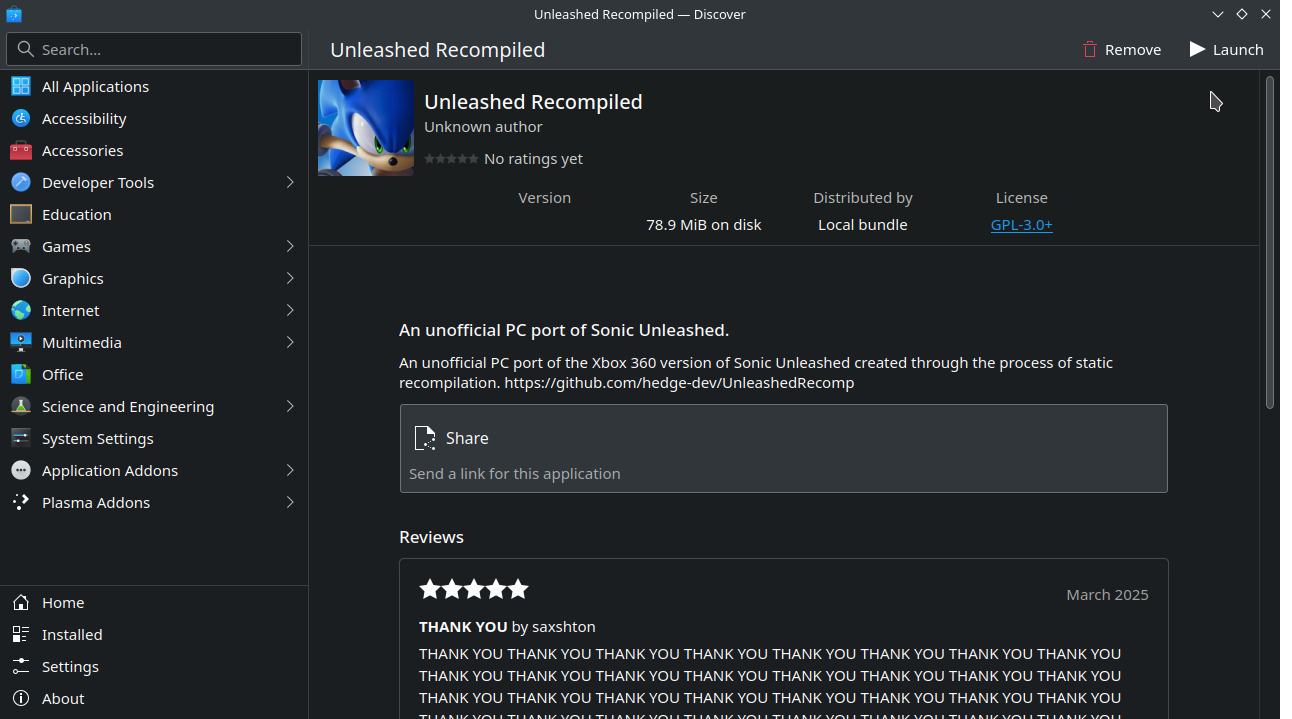
**Step Three:**
This next part is really self-explanatory. Follow the installer, it will ask you to select your game's ISO file, then it will ask you to select the update, then finally it will ask you to select the DLC files (there will be six of these, which we took from those folders earlier!):
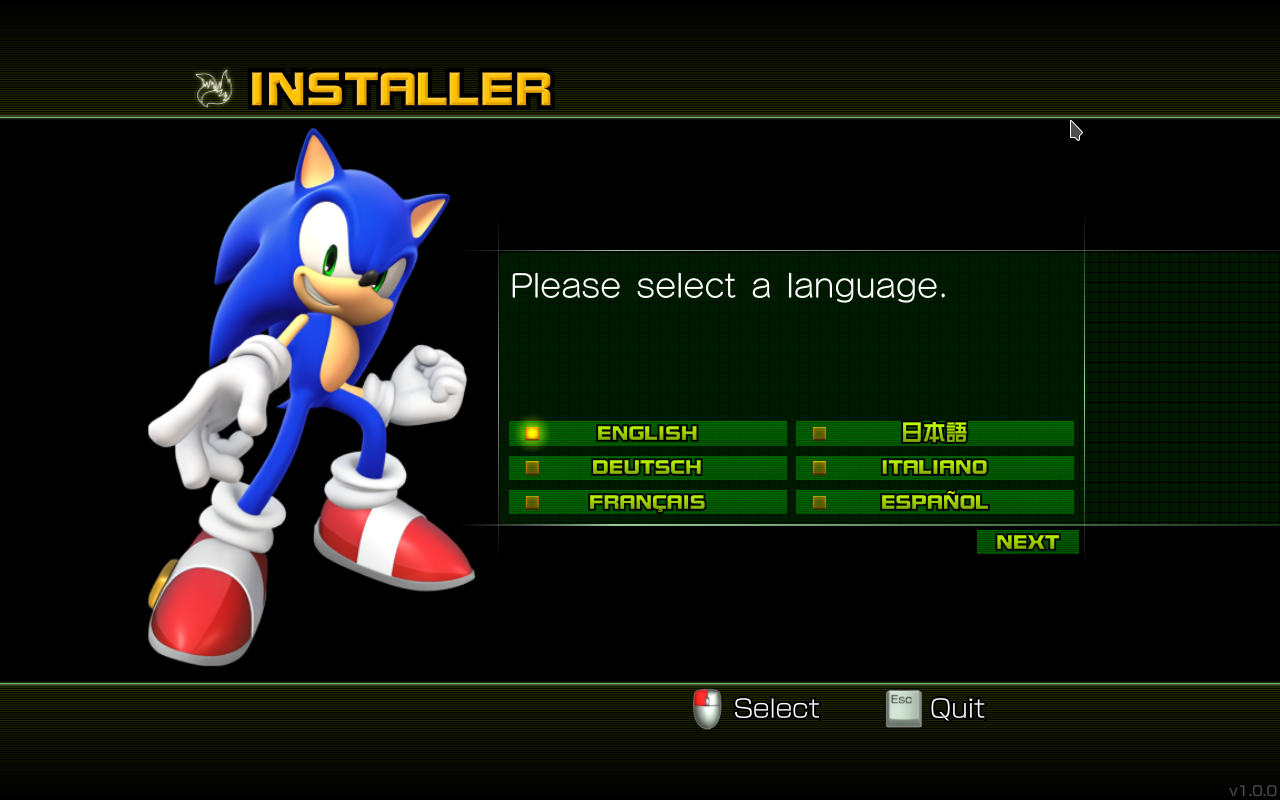
This will take you through it, there's only one way to do this, just make sure you have your:
- Game's ISO
- Games Update
- Game's DLC (six individual files)
All handy, in a folder or two ready to select.
**Step Four**
That's it! The hard part is over now! It will open the game once it is all done, but exit to the desktop, because we want to add it to gaming mode too!
Once you've exited, open all applications, and scroll down to 'U' - you'll find Unleashed there. Right-click on it, and select 'add to Steam':

Once *this* is done, we'll change from desktop mode to Gaming Mode!
Once you're in Gaming Mode, you can find the game in your library / non-Steam
If you're fancy (like me!) you can change the title to Sonic Unleashed and use Decky Loader + the SteamgridDB plugin to choose some game art for the title:
*I changed the title due to, as of writing this, there is no art uploaded yet specific to the title name of Unleashed - so I opted to have **some** there with the original title*

**Finally:**
We'll open the game and play! Don't forget for settings, you can pick and choose what you want for your Steam Deck!
From the main menu:
- Press Start
- Choose Options
- Press RB to choose VIDEO in Options
- Change FPS to 90 (for OLED) or 60 (LCD)
...and choose whatever you want, to run it how *you* want!
I'm not sure if I made any errors, maybe I did while typing this up, so if you spot something, tell me and I'll edit this!
*Is it worth it?* - yes! It's fantastic, and even better it gives us a glimpse at what is possible in the future with recomps of 360 games on PC and Steam Deck!
Have fun! <3